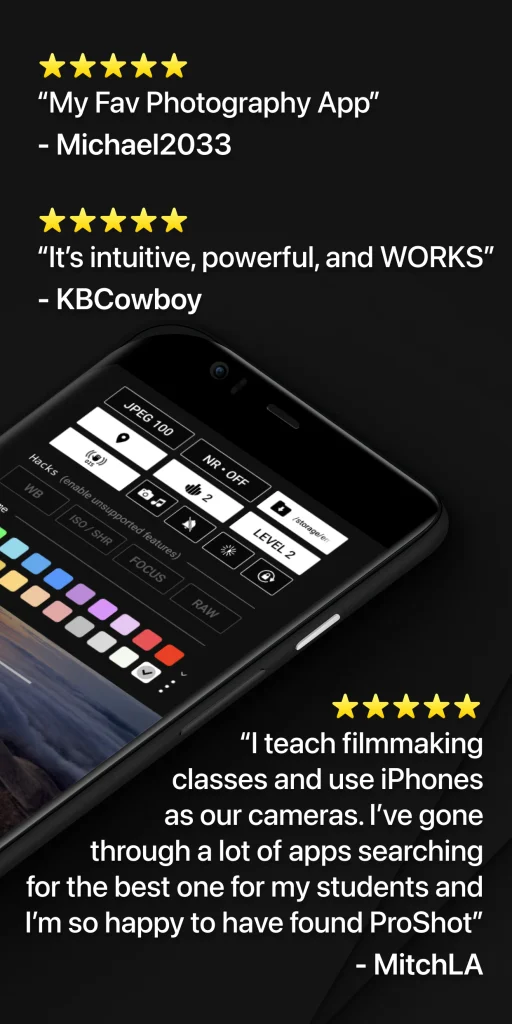
A smartphone camera can produce impressive photos, but the standard camera app often makes most decisions for you. Exposure, shutter speed, focus and white balance are usually handled automatically. That is convenient for quick pictures, but it can feel limiting when you want more control over how an image actually looks. The Proshot Mod APK is designed for people who want to move beyond basic point-and-shoot photography.
It brings many camera controls normally associated with dedicated cameras into a phone-based interface. Instead of simply pressing the shutter button and accepting the result, users can adjust important settings themselves and shape the final image more deliberately.
That does not mean everyone needs a manual camera app. For casual snapshots, a phone’s default camera may still be the easier choice. ProShot becomes more useful when you want to understand photography, control difficult lighting or create a particular visual style.
Why ProShot Feels Different From a Standard Camera App
Most built-in smartphone camera apps are heavily automated. The software examines the scene and decides how bright the image should be, where to focus and how colours should appear. Computational photography can make these automatic results very good, especially when the user simply wants a fast and attractive photo.
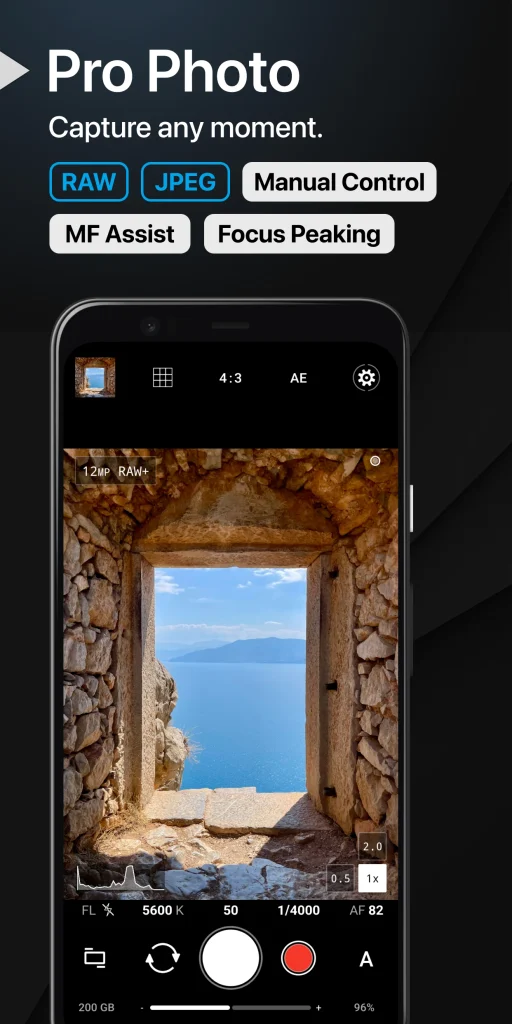
ProShot takes a different approach. It gives the photographer greater control over the capture process. Depending on the phone, operating system and available camera hardware, users may be able to work with settings such as shutter speed, ISO, manual focus, white balance and exposure compensation.
The exact functions available can vary because smartphone manufacturers do not expose every camera capability in the same way. This distinction matters. Installing a professional-style camera application does not magically change the physical camera sensor or lens. Instead, it gives you more control over what the existing hardware can do.
The Camera Controls That Matter Most
A long list of settings can look intimidating to a beginner. In practice, only a few controls need to be understood first.
Shutter speed controls movement
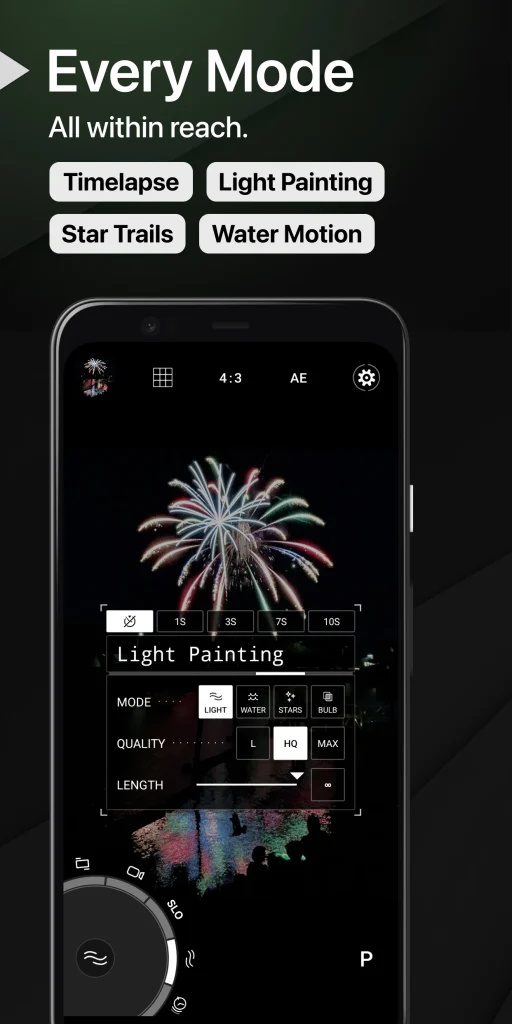
Shutter speed determines how long the camera gathers light. A faster shutter can help freeze movement. This can be useful when photographing children, pets, sports or moving vehicles. A slower shutter keeps collecting light for longer, which can create motion blur or help with certain low-light scenes.
The important trade-off is stability. When the shutter stays open longer, small hand movements can blur the photograph. A tripod or stable surface becomes much more useful in these situations.
ISO controls sensitivity and brightness
ISO is another way of controlling exposure. Raising ISO can make a dark scene appear brighter, but excessive ISO can also introduce visible noise or reduce image detail.
For a beginner, the practical rule is simple: keep ISO reasonably low when enough light is available and increase it only when the scene requires it.
This is one reason manual photography can produce better results in some situations. Instead of allowing the phone to automatically push ISO higher than necessary, the photographer can decide how much image noise is acceptable.
Manual focus gives you more control over sharpness
Autofocus is usually excellent for everyday photography, but there are situations where it can become confused. A camera may focus on glass instead of the subject behind it or shift focus while you are trying to photograph a small object.
Manual focus lets the photographer choose where sharpness should fall.
This can be particularly helpful for product photography, close-up subjects, food images or creative shots where the photographer deliberately wants one area to remain sharp while another appears softer.
Where a Manual Camera App Becomes Genuinely Useful
The biggest reason to use the ProShot App is not simply having more controls. The value comes from situations where automatic photography makes the wrong decision.
Imagine photographing a brightly lit shop sign at night. A normal camera app may brighten the entire scene and cause the sign itself to lose detail. Manual exposure controls can help preserve those brighter areas.
A small business owner photographing products faces a different problem. Automatic white balance may make the same product appear slightly warmer in one photograph and cooler in the next. Greater control over white balance can help produce more consistent images.
Someone learning photography may benefit even more. Adjusting one setting at a time makes the relationship between light, motion and exposure easier to understand. You begin seeing why one photograph is noisy, why another is blurred and why changing shutter speed alters movement. That learning process can later transfer to mirrorless or DSLR cameras.
Proshot Mod APK vs a Phone’s Default Camera: Which Is Better?
Neither option is automatically better. They are built for different priorities. A standard camera application usually wins when speed matters. Pull out the phone, frame the subject and capture the image. Automatic processing handles most of the difficult decisions. A manual camera app is better suited to situations where control matters more than speed. Think of the choice this way:
- Use the default camera for quick family photos, social updates and spontaneous moments.
- Use manual controls when lighting is difficult, consistency matters or you want a specific creative result.
- Use automatic modes when you do not have time to adjust settings.
- Use manual settings when you want to understand exactly why the camera is producing a certain image.
This is an important distinction because some users download advanced camera software expecting every photograph to immediately improve. Manual control only helps when those controls are used with purpose.
Can ProShot Improve Low-Light Photography?
It can provide more control in low light, but there are limits. A photographer may choose a slower shutter speed and lower ISO to preserve image quality. This works best when the phone remains steady. A tripod can make a major difference when photographing buildings, streets or other stationary subjects at night.
Moving subjects are harder. If a person is walking through the frame, a very slow shutter can make them appear blurred even if the phone itself is perfectly stable.
The phone’s hardware still matters too. Sensor size, lens quality and available camera APIs influence what the application can achieve. Software can manage the camera more precisely but cannot completely overcome physical hardware limitations.
RAW Photography and Editing Flexibility
Users interested in editing should also understand RAW photography. A normal JPEG or similar processed image has already been adjusted by the phone. The device may sharpen the picture, change colours, reduce noise and compress the file before saving it.
RAW files preserve more of the information captured by the sensor. This can give photographers greater flexibility when adjusting exposure, highlights, shadows and colour later in compatible editing software.
RAW is not automatically better for everyone. The files are usually larger and they often require editing before they look their best. Someone who mainly wants finished photographs ready for social media may prefer standard processed images. For photographers who enjoy editing, however, RAW support can be an important reason to consider an advanced camera application.
A Common Beginner Mistake: Changing Everything at Once
Manual controls can become confusing when several settings are changed simultaneously. A better approach is to learn one control at a time.
Start with exposure compensation or ISO. Take the same photo at several values and compare the results. Then experiment with shutter speed using a moving subject such as running water or passing traffic. After that, explore manual focus and white balance. This method turns the phone into a useful photography learning tool rather than a screen full of unfamiliar controls.
It also helps users understand an important truth about manual photography: there is rarely one perfect setting. The right settings depend on the available light, movement in the scene and the visual result you want.
Who Is ProShot Best Suited For?
The app makes the most sense for mobile photographers who have outgrown purely automatic shooting but do not necessarily want to carry a dedicated camera everywhere.
Content creators may appreciate greater control over exposure and focus. Small business owners can use manual settings to keep product images more consistent. Photography students can practise exposure concepts without immediately buying expensive equipment. Travellers may enjoy having advanced controls available directly on a device they already carry.
Someone who only takes occasional snapshots may gain less from it. If your main priority is opening the camera quickly and letting the phone handle everything automatically, the built-in camera app may already meet your needs.
What to Check Before Choosing a Professional Camera App
Do not judge a camera app only by the number of features listed on its store page. Check whether the controls you actually need are supported by your device.
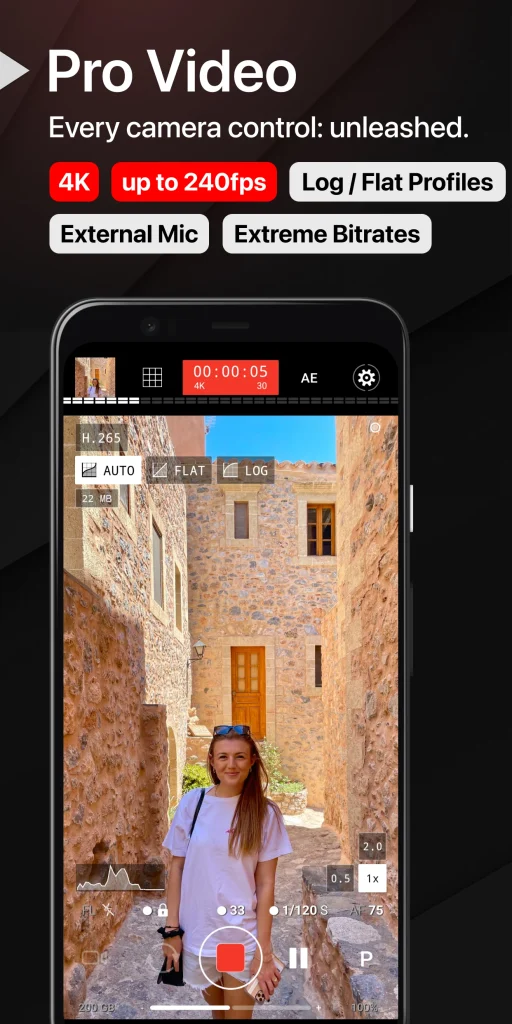
Pay particular attention to manual focus, shutter control, ISO adjustment, RAW capture and video options if those features matter to you. Device compatibility is especially important because camera capabilities can differ between phones even when they run the same operating system.
Interface design also matters. A professional camera app should make important controls accessible without turning every photograph into a complicated setup process. You can also download the Motionleap Mod APK.
A Better Way to Decide If ProShot Is Right for You
The Proshot Mod APK is most useful when you want your phone to behave less like an automatic snapshot camera and more like a creative photography tool. Its value is not simply the presence of extra buttons. The real advantage is having more influence over exposure, focus, colour and motion when automatic settings are not giving you the result you want.
Beginners should not feel pressure to use every control immediately. Learn shutter speed, ISO and focus gradually. Once those ideas become familiar, advanced mobile photography starts feeling far less complicated.
If you mainly want fast everyday photos, your standard camera application may remain the better option. If you want to understand why photographs look the way they do and gain more control over the final image, ProShot offers a much more hands-on way to use your phone’s camera.